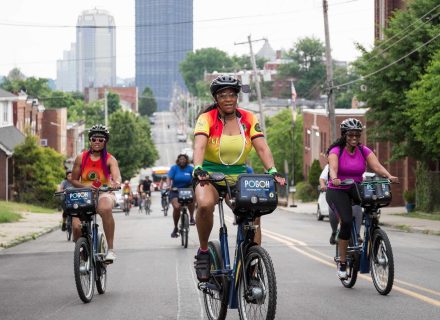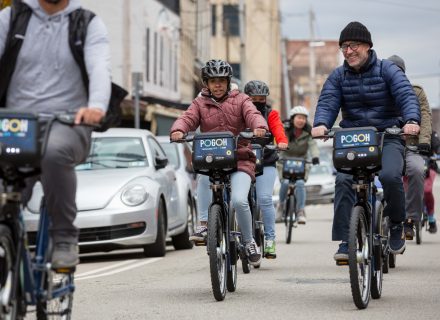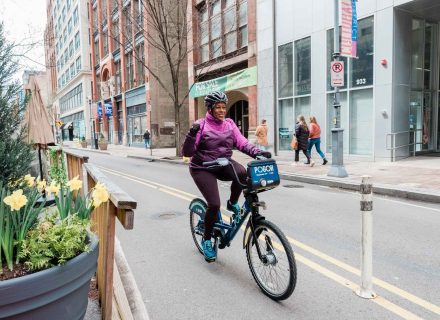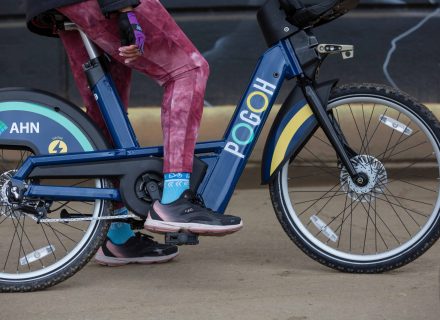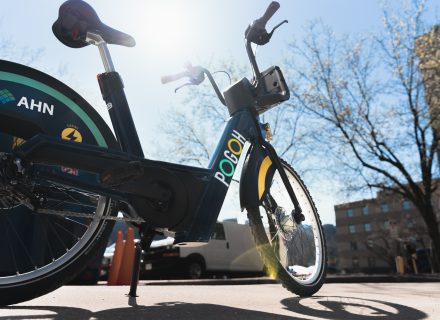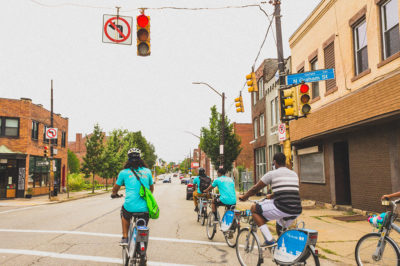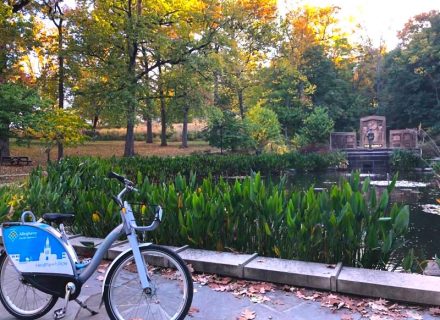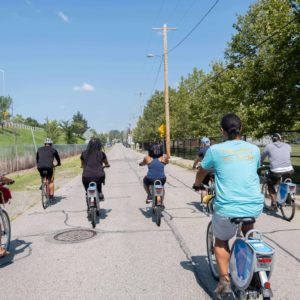
Ride with POGOH at Open Streets!
- Save time! Download the PBSC App & create a POGOH account before arriving at a station.
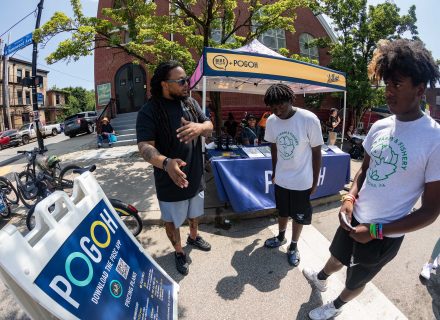
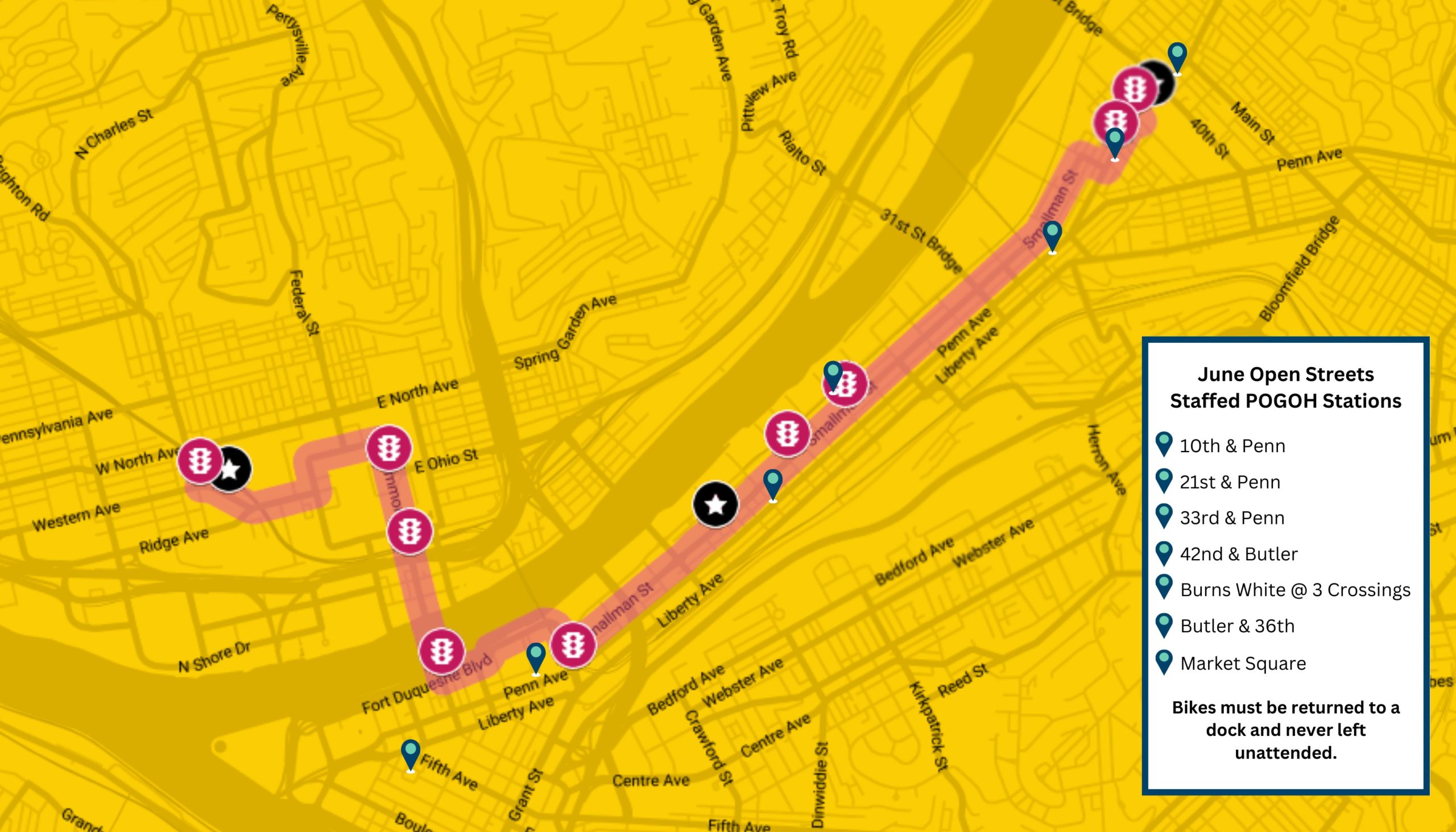
- POGOH Staff will be present at several locations along the route to assist you.
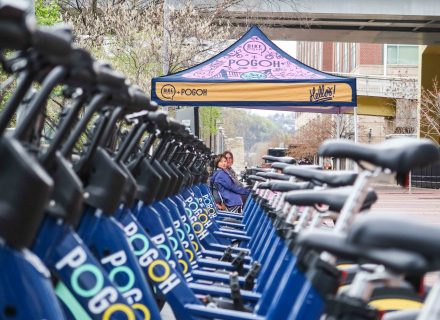
- Overflow POGOH parking is available at all staffed stations from 10am-2pm.
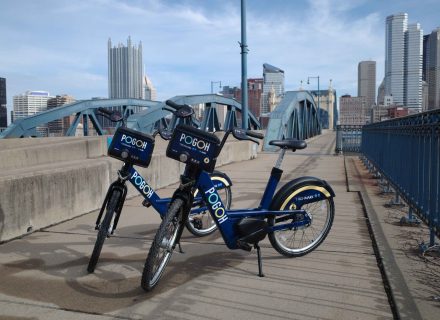
- POGOH bikes must never be left unattended.
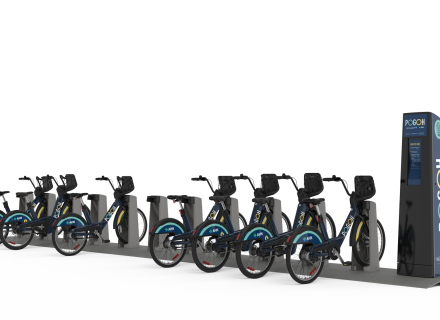
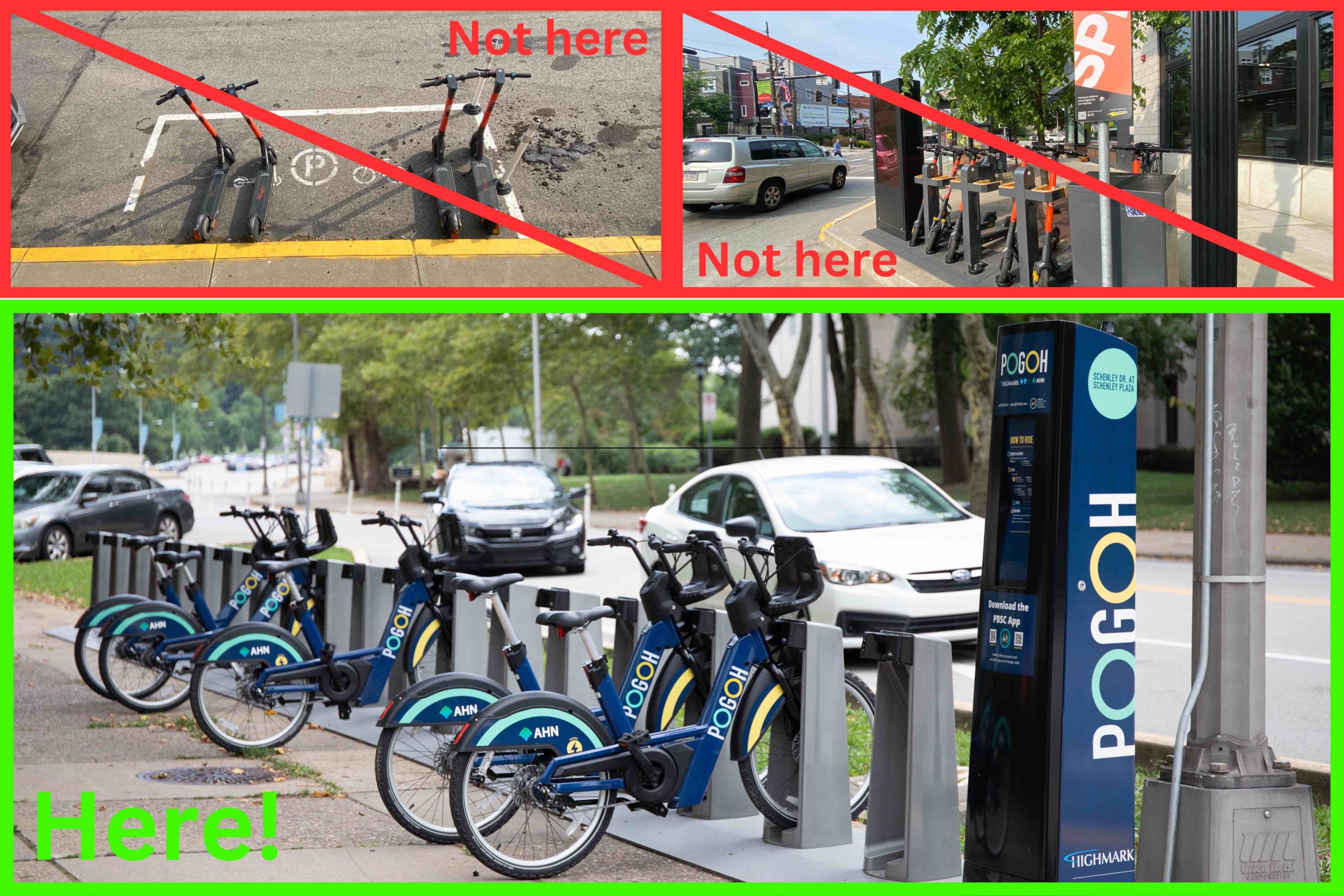
- POGOH bikes must be returned to an official POGOH station.
How do I rent a POGOH Bike?
- Download the PBSC App.
- Create a POGOH account.
- Choose a membership plan & attach a payment method.
- Scan the QR code on the bike you wish to rent.
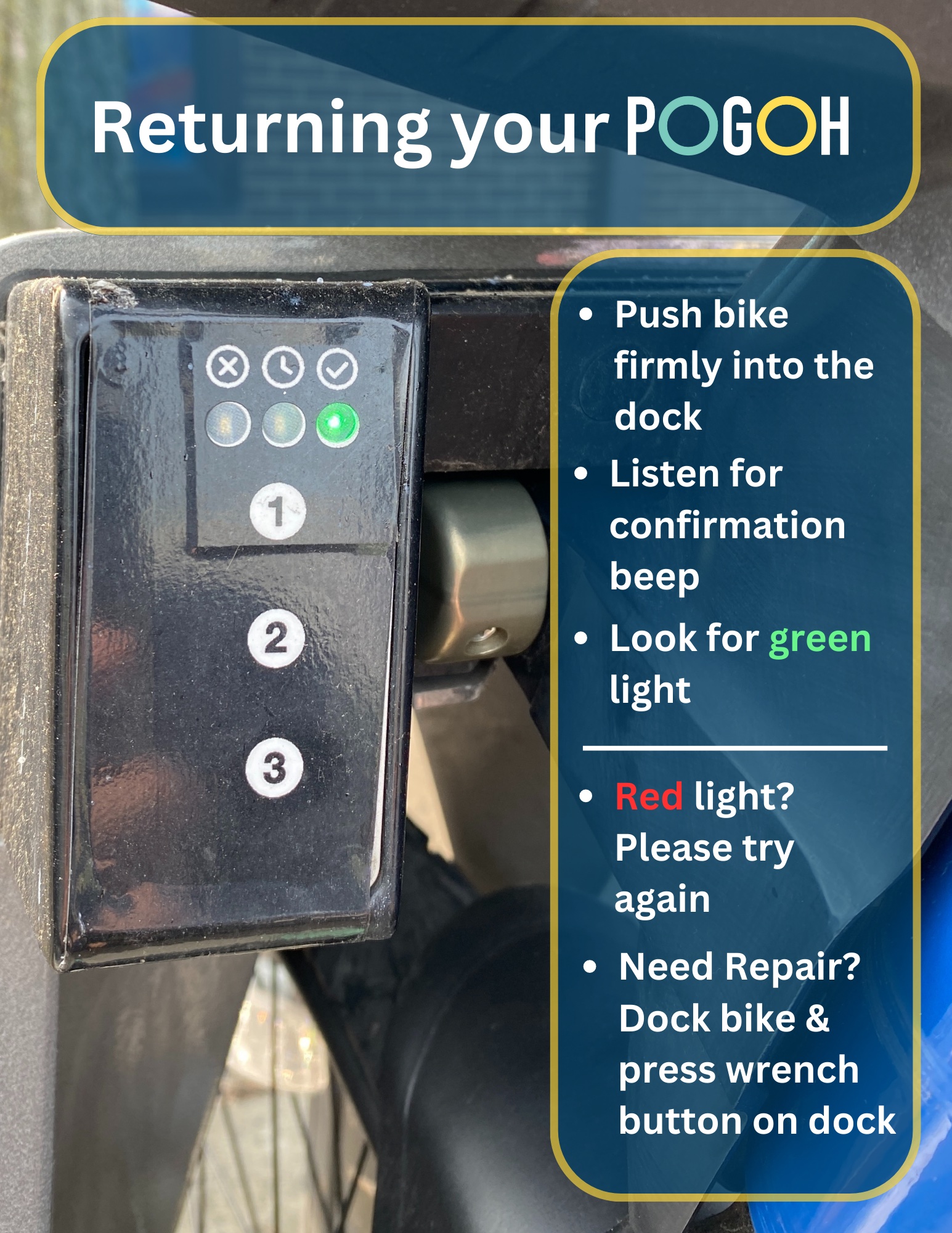
- Listen for the beep, look for the green light on the left side of the dock, & pull the bike from the dock.
How do I return a POGOH Bike?
Where can I return a POGOH Bike?
- POGOH Bikes must be returned to an official POGOH Station.
- POGOH Bikes can be returned to any POGOH Station with an open dock.
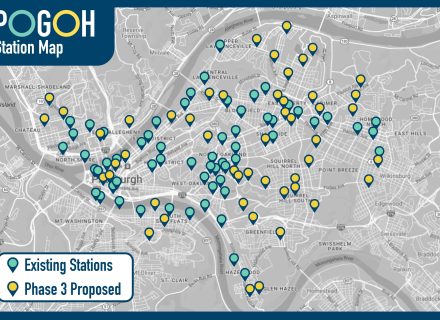
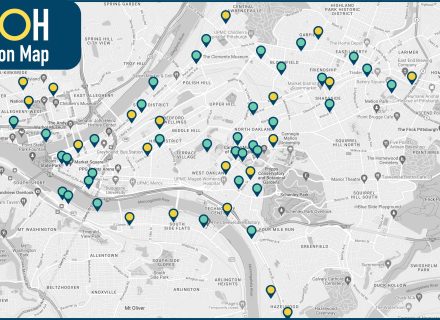
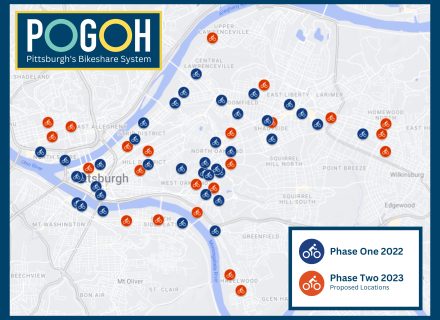
- If you arrive at a POGOH Station that is completely full, use the map in the PBSC App to locate another station with an open dock.
Have questions about POGOH?
- POGOH Staff will be present at 7 locations along the route to assist you
- Call Customer Support – 412-595-9421
- Visit OpenStreetsPGH.org for event specific information.
- OpenStreetsPGH is presented by our friends at BikePGH!